
Create a Wallet
Understand accounts, seed phrases and networks before creating or importing.
Open guide →A multi-chain wallet, blockchain network and Web3 knowledge hub from imtoken
Use one clear path to review assets across networks, receive and send with the right network context, connect to DApps, inspect approvals and learn the concepts behind gas, confirmations and wallet security.
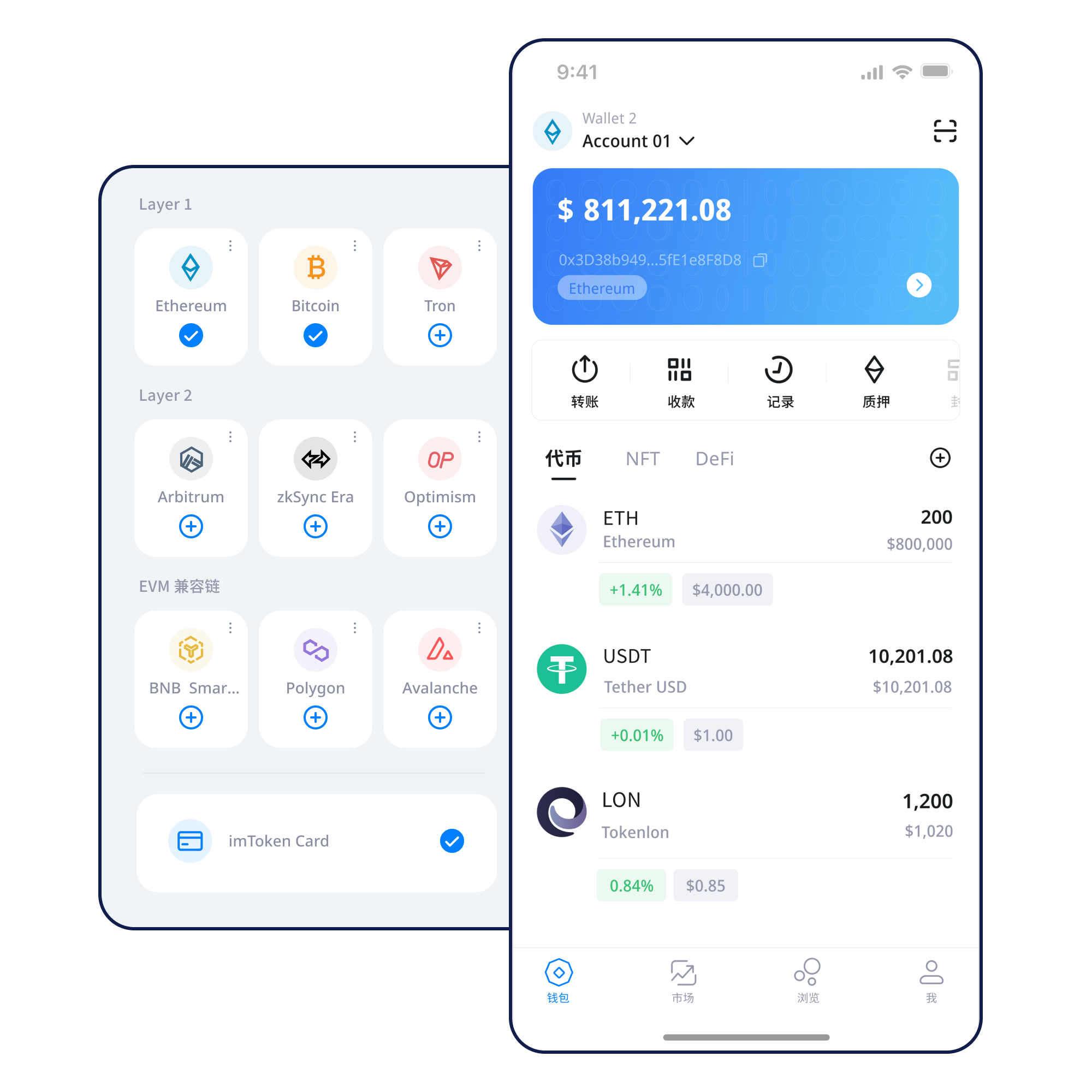
Understand accounts, seed phrases and networks before creating or importing.
Open guide →Store the seed phrase offline, verify order and never share it.
Open guide →Confirm both the receiving address and the network.
Open guide →Review destination, network, amount and expected gas separately.
Open guide →Verify the domain, then inspect each signature and approval.
Open guide →Move from asset visibility to network context, transactions, DApp access and key protection without treating them as isolated features.
Compare networks, verify address context and understand where an asset actually exists.
Review address, network, amount, gas and transaction hash as separate checks.
Transfer guide →Use mobile network management, asset views, history and DApp access with device security in scope.
Review browser requests one by one, especially signatures and approvals.
Web guide →Keep keys offline and review transactions and permissions carefully.
Fees, confirmations, execution environments and bridge flows can differ.
Balances, gas and history remain network-specific even inside one wallet.
Read guide →Nodes validate state changes and transactions accumulate confirmation depth.
EVM networks can look similar while keeping independent chain IDs, gas assets and contract state.
Cross-layer movement may involve bridges, waiting periods and separate confirmation conditions.
Use the transaction hash to follow status, block placement and confirmations.
Each step includes a security decision, not just an interface action.
Use the unified download entry and review the device environment before installation.
Create locally or import only inside a trusted wallet interface.
Keep the seed phrase offline and never share the private key.
Confirm the destination network and native gas asset.
Review the full address, amount and network before submitting.
Use transaction hashes and remove approvals that are no longer needed.
Web3 & DApp
A wallet connection does not make future signatures or approvals automatically safe.
Web3 guide →Security
Protect keys, verify networks and addresses, inspect DApp domains, review signatures and remove permissions that are no longer needed. Seed phrases and private keys remain under your control; imtoken personnel will not request them or verification codes.
Open Security Center →Academy
Start with addresses, seed phrases and private keys; then learn networks, gas and transaction hashes before DApps and approvals.
Read the starter guide →Nodes, blocks and confirmation depth.
Gas, contracts, tokens and approvals.
Mainnet relationships and bridges.
Spenders, allowances and revocation.
Keys, devices and transaction checks.
Plain-language definitions.
Staking should be explained with validator duties, exits, waiting and risk—not guaranteed returns.
Learn PoS, validators, reward sources, network state, withdrawals and exits.
Read guide →Rewards can change. Exits may wait. Validators can face penalties, while contract, third-party and market risks remain.
Validator guide →Content-first notices without invented dates or urgency.
A clearer path for multi-chain asset and transaction review.
Review network names, gas assets and confirmation state before transfers.
Never share a seed phrase, private key or verification code.
Staking involves changing rewards, waiting periods and multiple risks.
Start with common wallet, network, transaction and security questions.
A wallet manages keys and account access. The blockchain maintains authoritative balance and transaction state.
The same-looking address can exist across several networks. Confirm the exact network with the sender.
No. Seed phrases and private keys are controlled by the user and should never be sent to anyone.
It is a lookup identifier for an on-chain transaction and can be checked in the relevant explorer.
No. Connection, signing and approvals are separate actions.
No. Rewards can change, exits can take time, validators can face penalties and asset prices can fluctuate.
Use the unified download entry. Never enter a seed phrase or private key into a website form.